
Presenter-ready • Works on big screens
Open The Box
Choose the number of boxes you want, set up your prizes and launch the game.
You need
- Big screen / projector
- Laptop OR a TV/Firestick with web browser
- Phone/tablet or a second browser window on your laptop
- Internet access
- Book of raffle tickets
Quick start
- Open the Game Screen on the big screen
- Fullscreen the game (F11)
- Open a Controller on your laptop/phone
Tip: If you’re using one laptop + a connected TV, “Extend” your desktop so you can keep the controller on your laptop
while the game runs full-screen on the TV.
Setup
Setting up
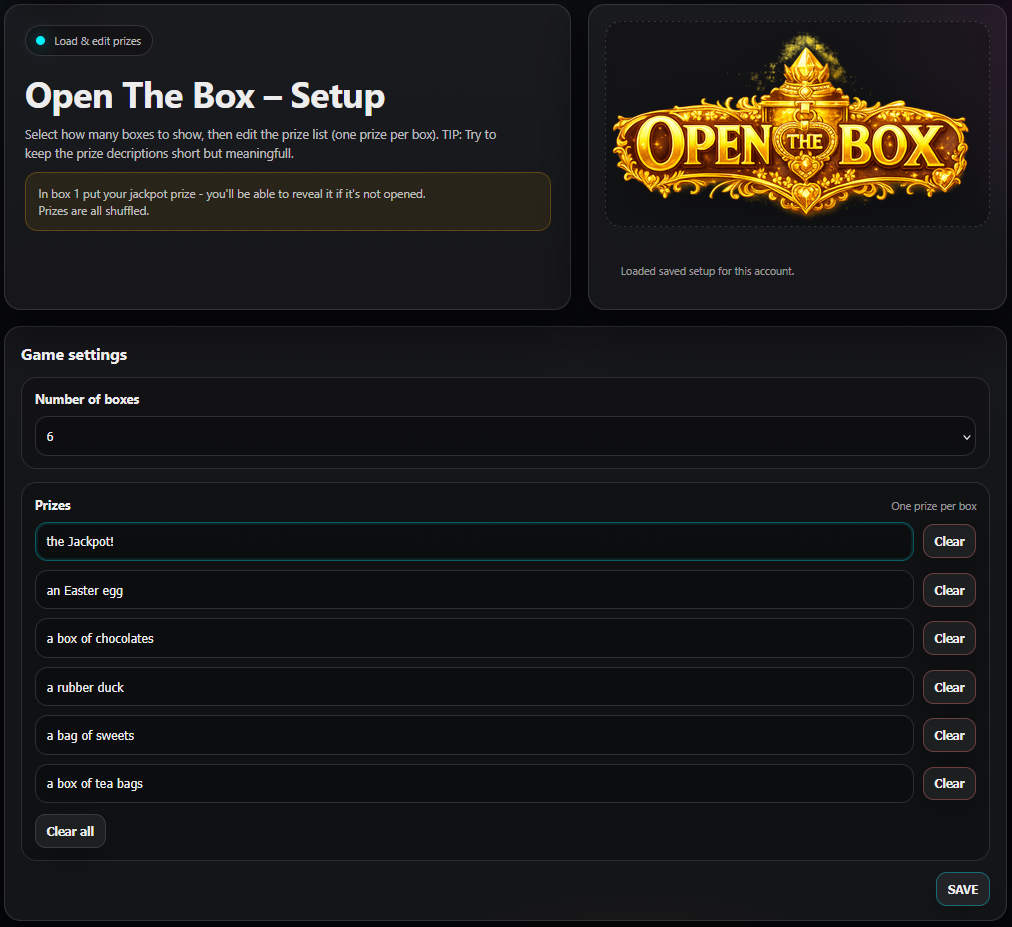
- Set up your boxes
- Select the number of boxes you want to use.
- Put your jackpot prize in prize 1.
- Fill in the rest of your prizes.
- Save.
One laptop only
Laptop + handheld
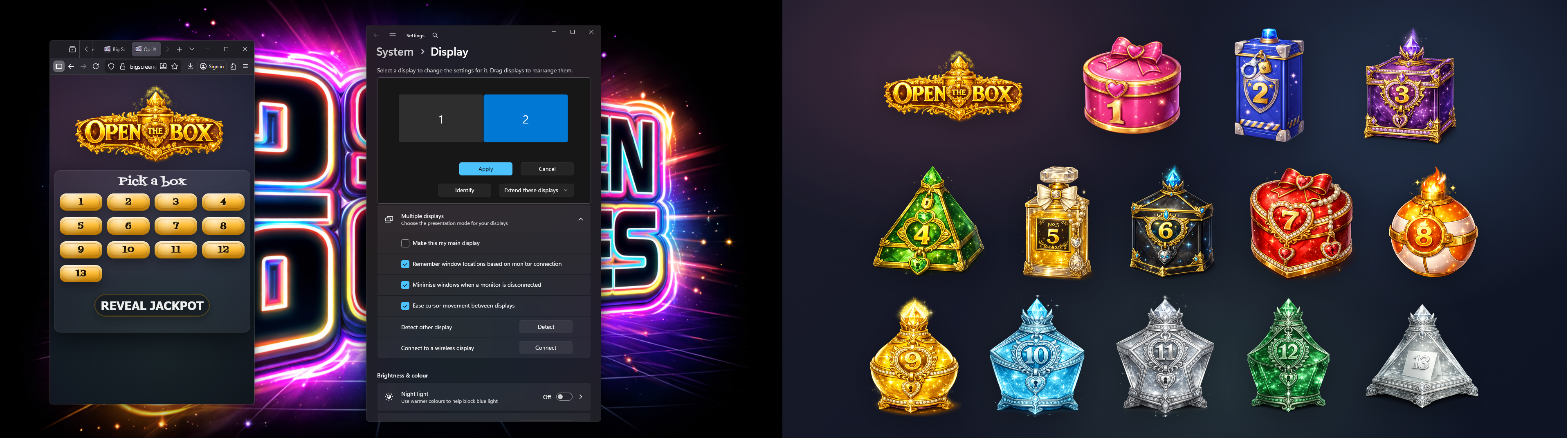
Setting up using one laptop only:
- Connect your big screen to your laptop via HDMI.
- Extend the desktop onto the second screen (so you can move windows between screens).
- Launch the Game Screen, move it to the big screen, press F11 to fullscreen.
- Open a new browser window, log in again, then launch the Laptop Controller and keep it on your laptop screen.
Windows help: Set up multiple displays
Setting up using a laptop and a handheld device:
- Connect your big screen to your laptop via HMDI.
- Launch the Game Screen and press F11 to fullscreen.
- On your phone/tablet, log in and launch the Handheld Controller.
- Bookmark the controller page for next time.

How to play
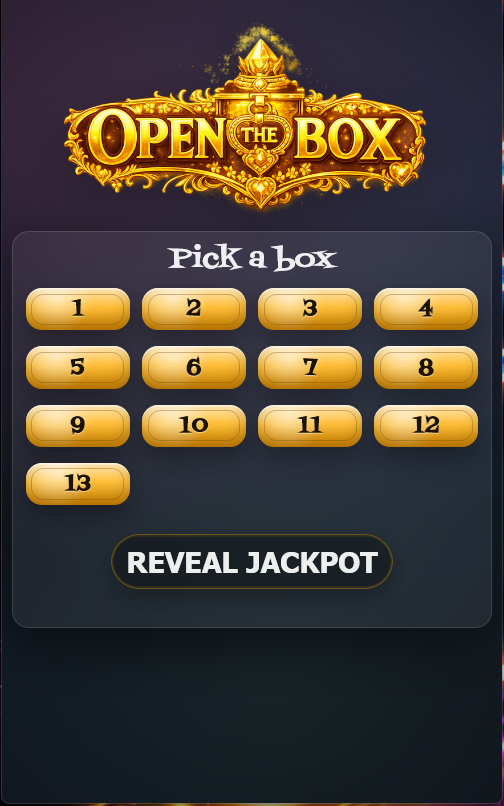
- On the controller, select the box to open.
- You can click on a box too on the main screen.
- The prize will be revealed.
- Once all players have taken a turn you can reveal the jackpot.
Notes for the host
- You can install the controller as an app on your Android phone. Apple users: support for installing web apps.