
Well known game
SingalongaBingo
You need
- A single TV / Firestick with a browser
- Laptop connected to a TV or projector
- Internet access
- Printer
Quick start
- Sell Bingo sheets
- Open the Player on the big screen
- Click the START button.
Tip: Pressing START will make the browser full screen and start the music.
Setup
Setting up
- Print the amount of sheets you need. You can select which pages to print from the printer set up.
- Sell sheets at £1 each (or any value) - pub bingo law states that 100% of the stake must be paid out
- Each player needs a bingo dabber or pen
Laptop + TV
TV only
Setting up using laptop only:
- Connect your big screen to your laptop via HDMI.
- Extend the desktop onto the second screen (so you can move windows between screens).
- Launch the Game Screen, move it to the big screen. Press F11 to fullscreen
- Click START when you're ready
Windows help: Set up multiple displays
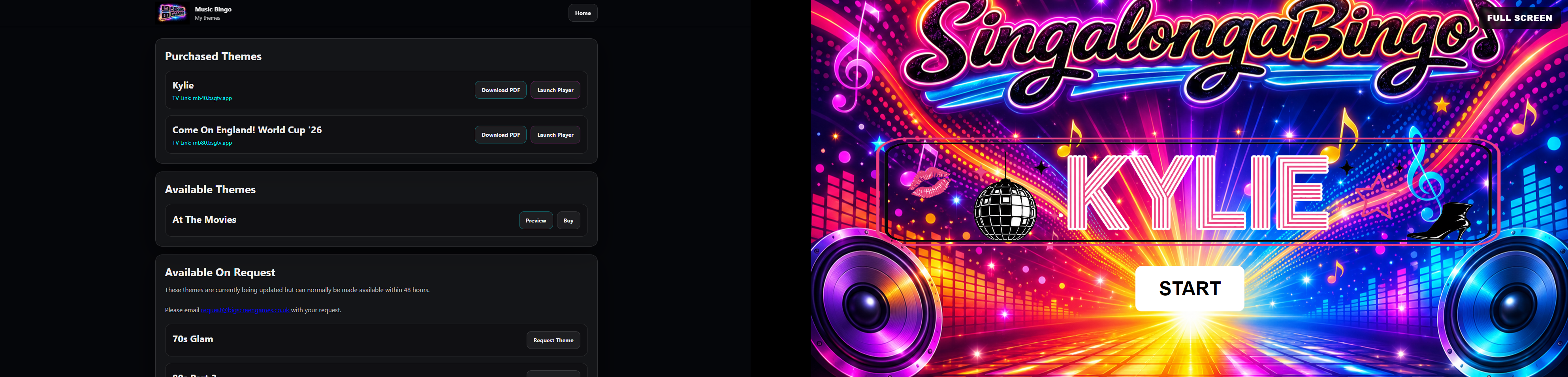
Setting up using a tv:
- Open a browser on your TV or FireStick.
- Input the address shown for each theme.
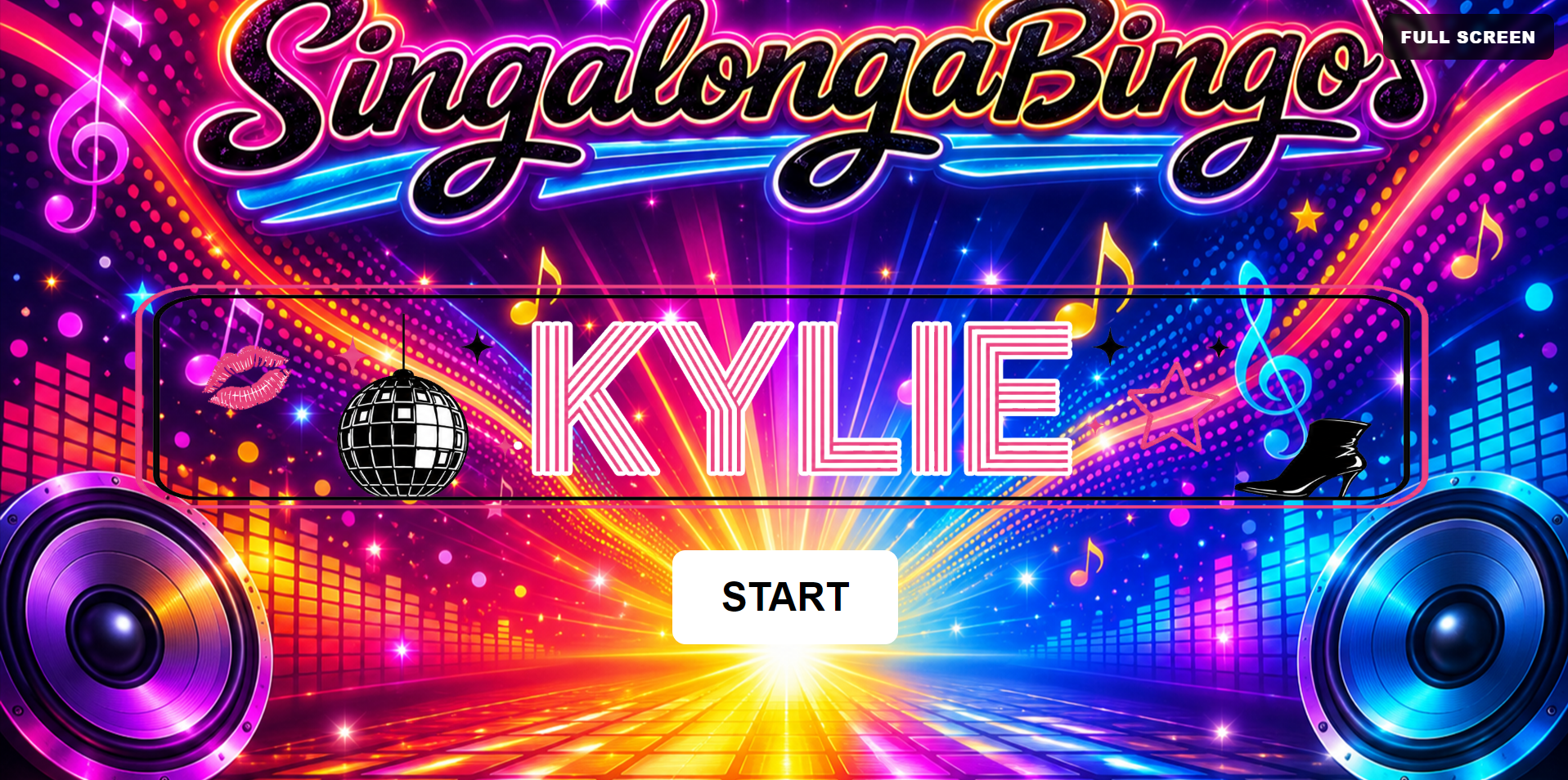
- Click on FULL SCREEN button.
- Click START when ready.
How to play
- Press START when ready to play.
- The automated playlist will randomly select videos to play.
- To win the game a player must have a line of 5 horizontally, vertically or corner to corner.
- When you have a call, stop the game and then check for a winner.
Notes for the host
- If playing on multiple TVs, only have the sound from one source.