Well known game
Card Bingo / Sticky 13 / Hoy!
You need
- A TV / Firestick with a browser OR
- Laptop connected to a TV or projector
- Internet access
- Printer
Quick start
- Sell Bingo sheets
- Open the Player on the big screen
- Click the START button on the controller.
Setup
Setting up
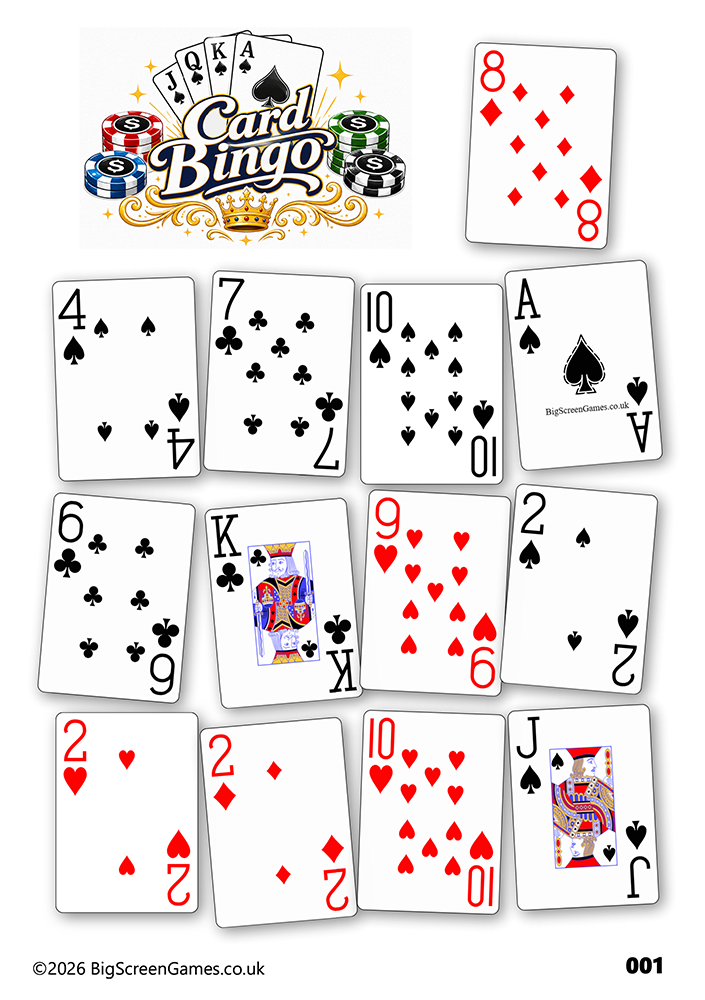
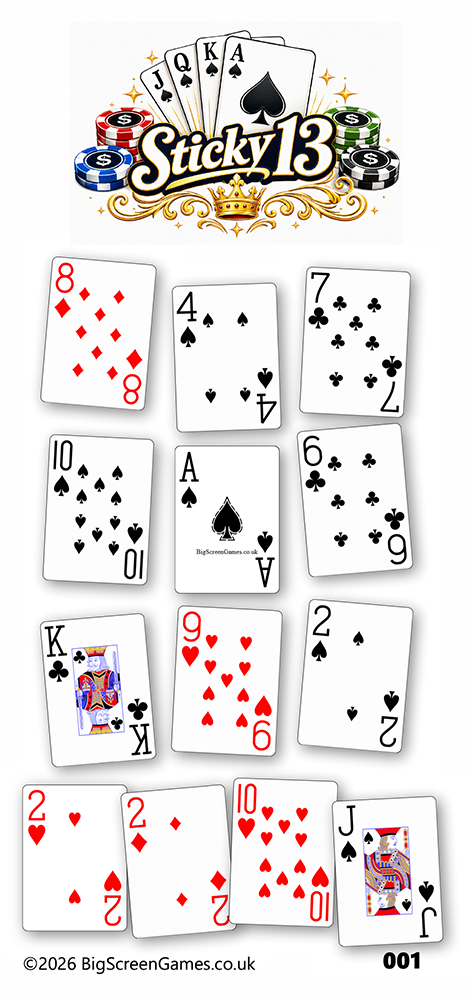
- Print the amount of sheets you need. You can select which pages to print from the printer set up.
- Sell sheets at £1 each (or any value) - pub bingo law states that 100% of the stake must be paid out
- Each player needs a bingo dabber or pen
- Load the controller on your laptop or handheld device.
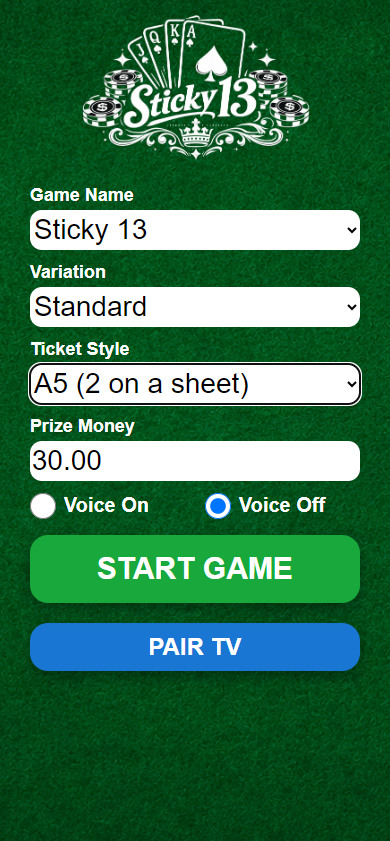
- Select Game Name. Some venues call the game Music Bingo, Sticky 13 or Hoy!. The logo will change on the display screen
- Select your theme - just ordinary cards is standard.
- Select the ticket style you have printed - this will be used when checking a ticket.
- Enter your prize money which us displayed on the display screen.
- You can choose to have the cards called for you with VOICE ON.
Laptop + TV
TV + Handheld
Setting up using laptop only:
- Connect your big screen to your laptop via HDMI.
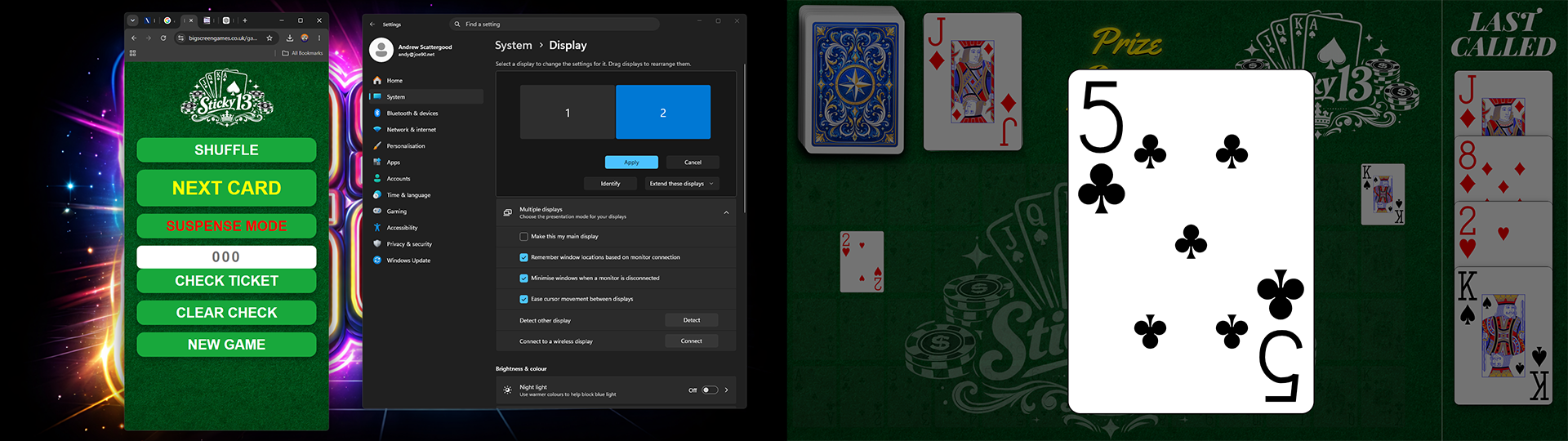
- Extend the desktop onto the second screen (so you can move windows between screens).
- Launch the Game Screen, move it to the big screen.
- Click FULL SCREEN when you're ready
Windows help: Set up multiple displays
Setting up using a tv:
- Open a browser on your TV or FireStick.
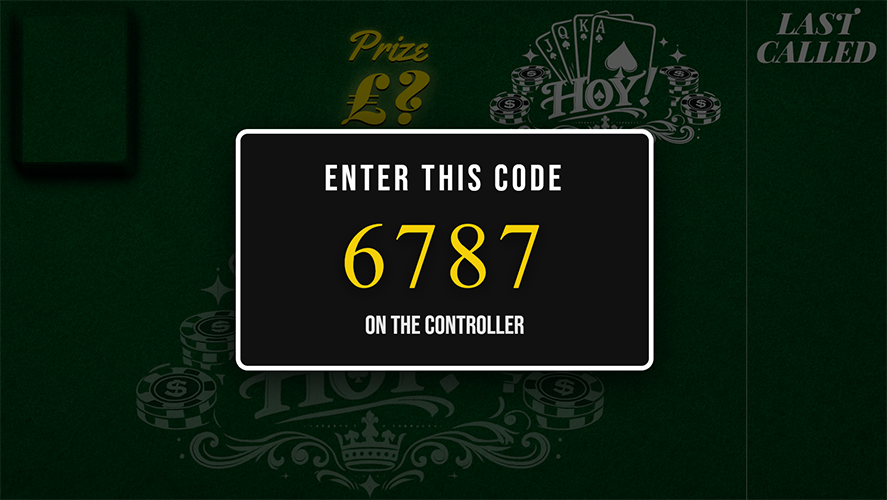
- Input the address hoy.bsgtv.app
- Click on FULL SCREEN button.
How to play
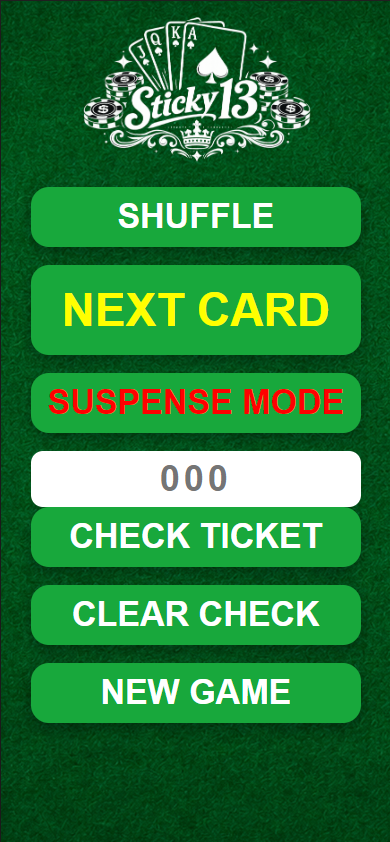
- Press START when ready to play.
- SHUFFLE will do just that.
- NEXT CARD will show the next card.
- SUSPENSE MODE: If you have voice ON, the caller will tease the next card before displaying it. If you have voice OFF the next card is displayed on your controller for you to tease. Once clicked the card is displayed as normal. Use this when it's getting towards the end of the game or a player is waiting for one card.
- To win the game a player must have all 13 cards.
- When you have a call, stop the game and then check for a winner. Enter the ticket number and CHECK TICKET. If it's not valid you can use CLEAR CHECK.
- Once the check is cleared you can continue - even if it's just to show the next card for the losers.
Notes for the host
- If playing on multiple TVs in a small area, only have the sound from one source.
- Only use suspense mode towards the end of the game as it slows the game down.