
Jackpot game • Solo player
Deal or No Deal Chase
Based on the TV show with a twist of The Chase. The host can control from a laptop or handheld device. The playing board can be displayed via a laptop or via web browser on mulitple TVs.
You need
- Big screen / projector
- Laptop OR a TV/Firestick with web browser
- Phone/tablet or a second browser window on your laptop
- Internet access
- Book of raffle tickets
Quick start
- Open the Game Screen on the big screen
- Fullscreen the game (F11)
- Open a Controller on your laptop/phone
Tip: If you’re using one laptop + a connected TV, “Extend” your desktop so you can keep the controller on your laptop
while the game runs full-screen on the TV.
Setup
One laptop only
Laptop + handheld
TV + handheld
Setting up using one laptop only:
- Connect your big screen to your laptop via HDMI.
- Extend the desktop onto the second screen (so you can move windows between screens).
- Launch the Game Screen, move it to the big screen, press F11 to fullscreen.
- Open a new browser window, log in again, then launch the Laptop Controller and keep it on your laptop screen.
Windows help: Set up multiple displays
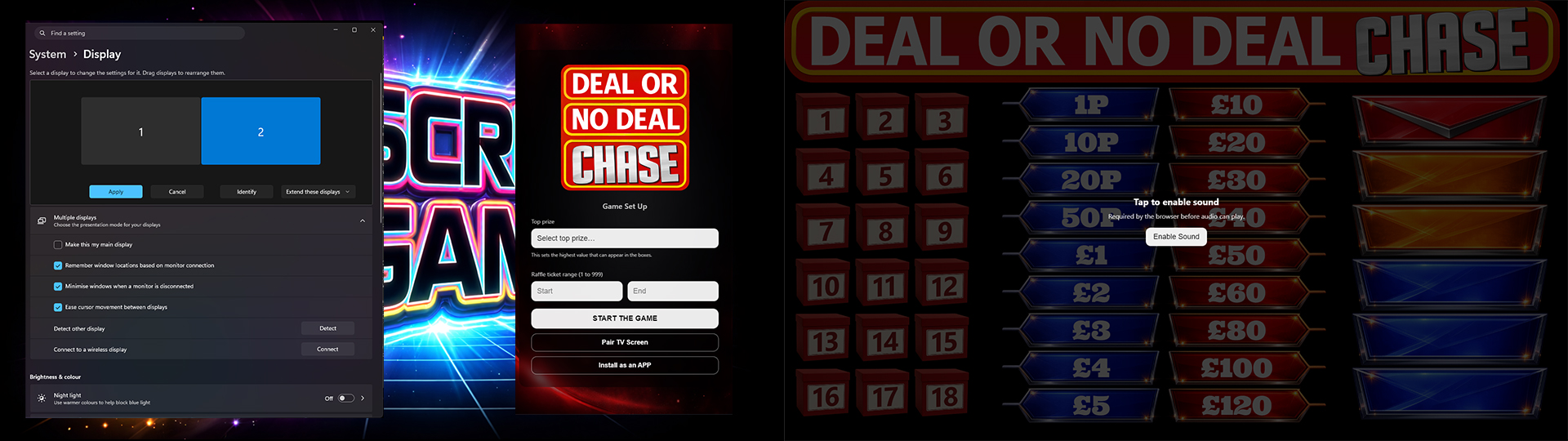
Setting up using a laptop and a handheld device:
- Connect your big screen to your laptop via HMDI.
- Launch the Game Screen and press F11 to fullscreen.
- On your phone/tablet, log in and launch the Handheld Controller.
- Bookmark the controller page for next time.
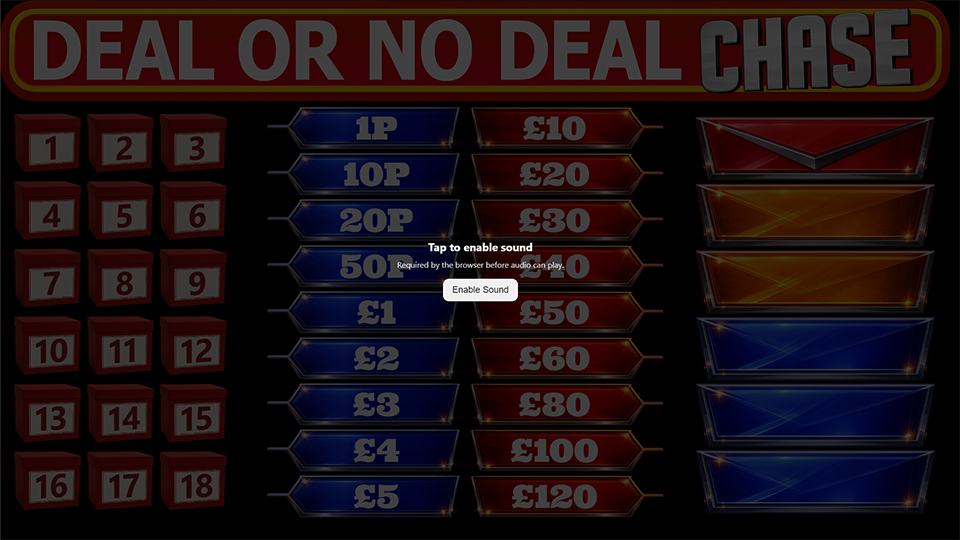
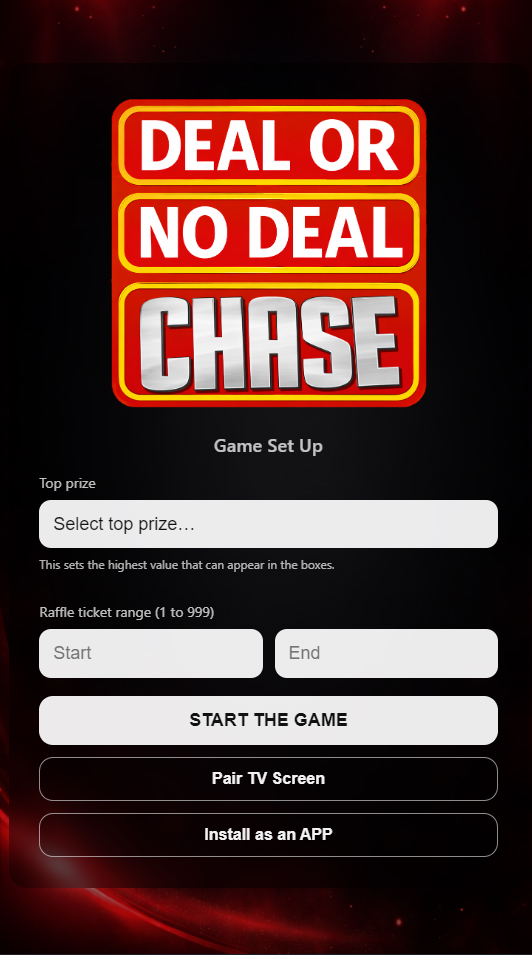
Setting up using a tv and a handheld device:
- Open a browser on your TV or FireStick.
- Go to dc.bsgtv.app
- On your phone/tablet, log in and launch the Handheld Controller.
- If the pair code shows on the TV enter it in the controller to pair.
- Click on FULL SCREEN button.
- If cookies are set on your TV it will now remember.
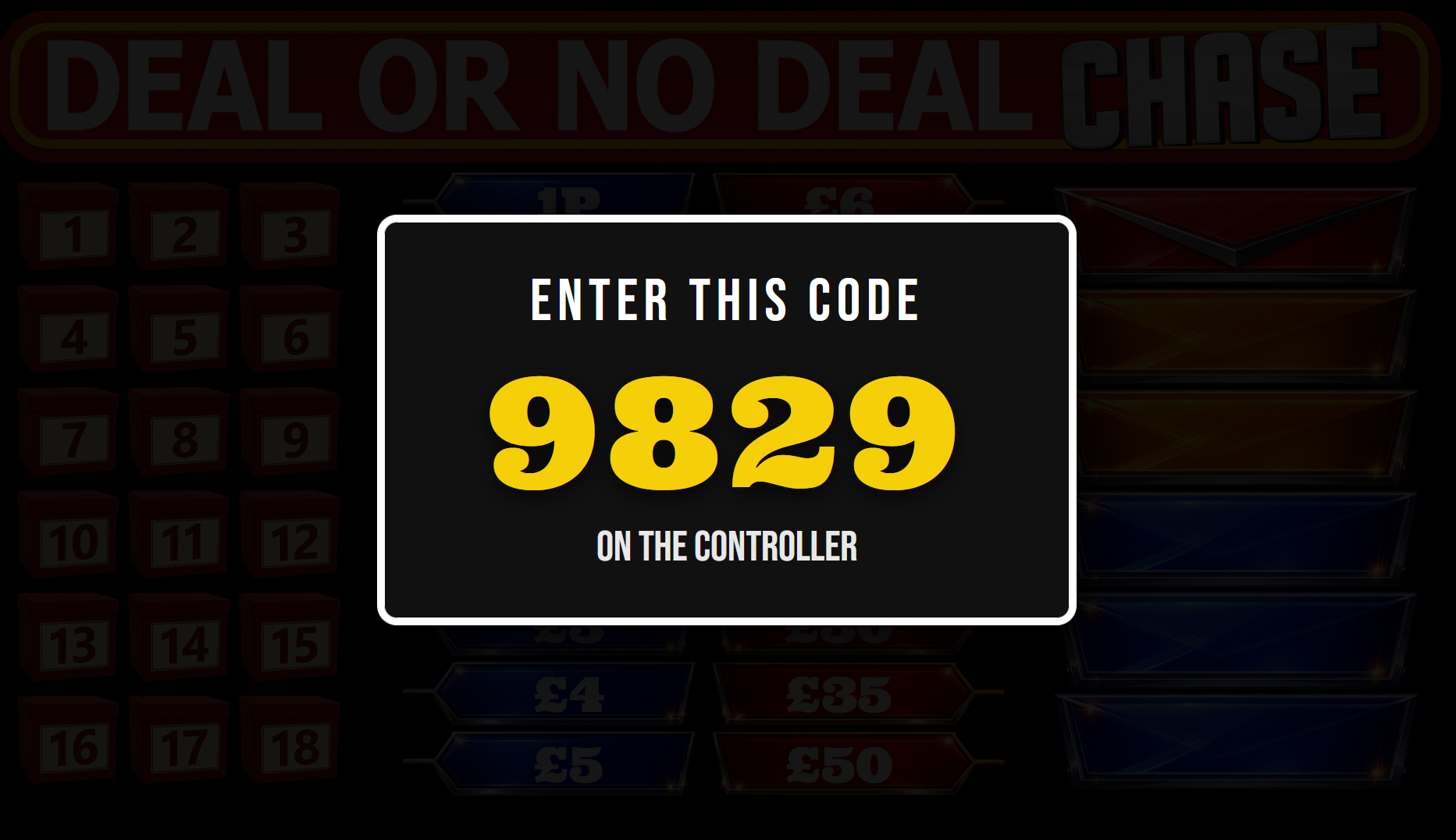
How to play
- Sell raffle tickets to your customers making a note of the first and last ticket sold.
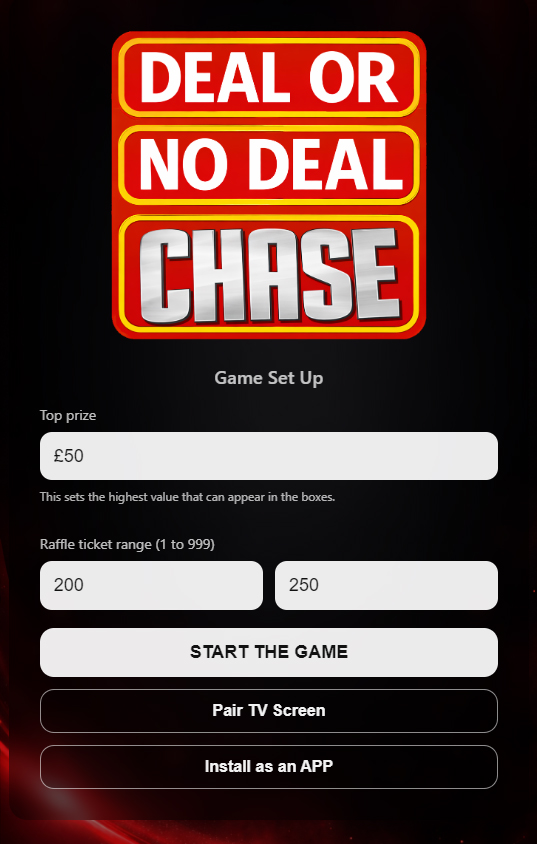
- On the CONTROLLER select the top prize value of the money you are giving away.
- Set the raffle ticket range using the first ticket sold and the last ticket sold.
-
- Once you start the game, you can play the theme music if your laptop is attached to your sound system or you TV sound is on.
- Wait for the music to finish and read out the rules (see below).
-
- Play starts when NEXT PLAYER is selected. This will display a random raffle ticket number on the game screen.
-
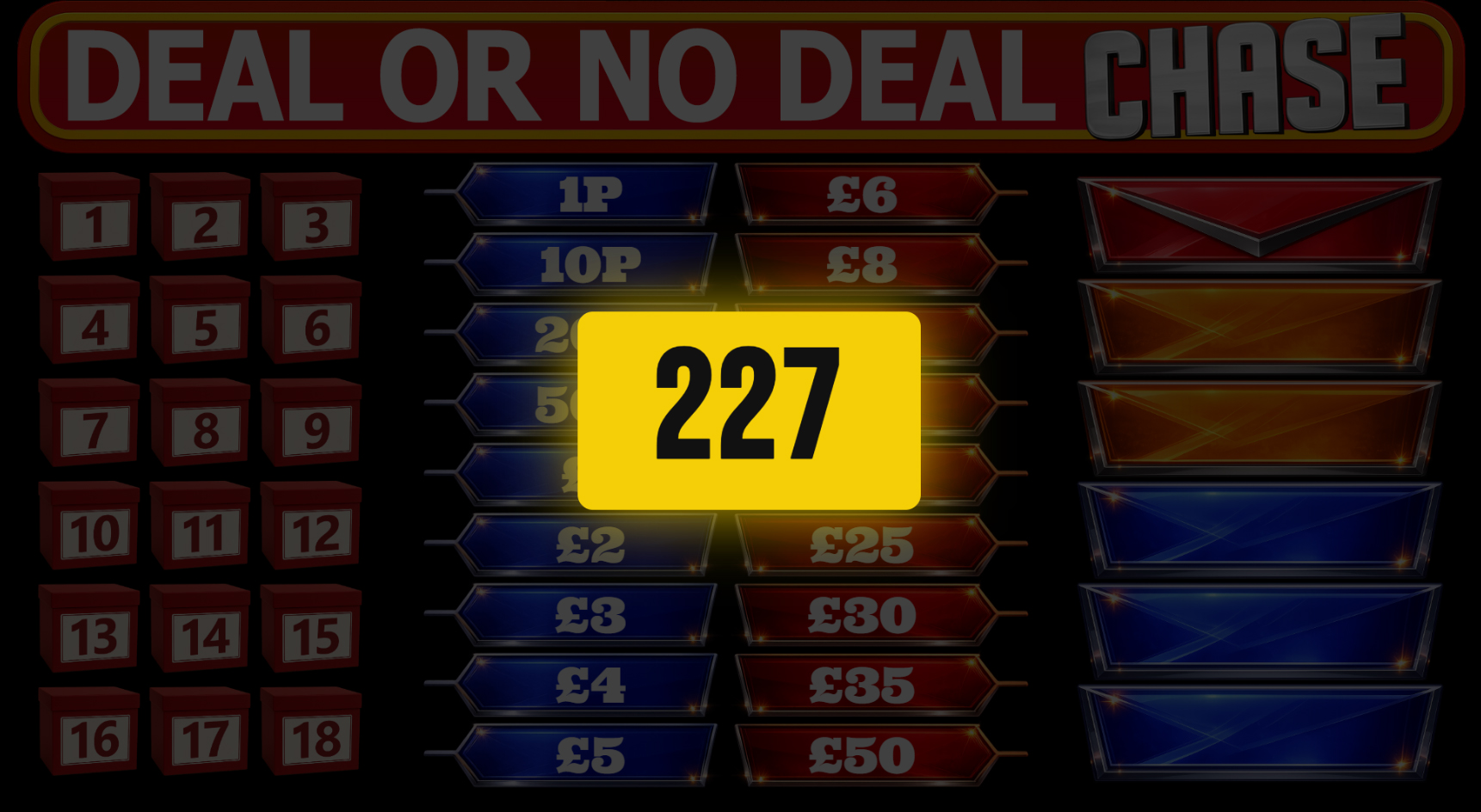
- If you can't find the player, select NEXT PLAYER again. The turn will be lost.
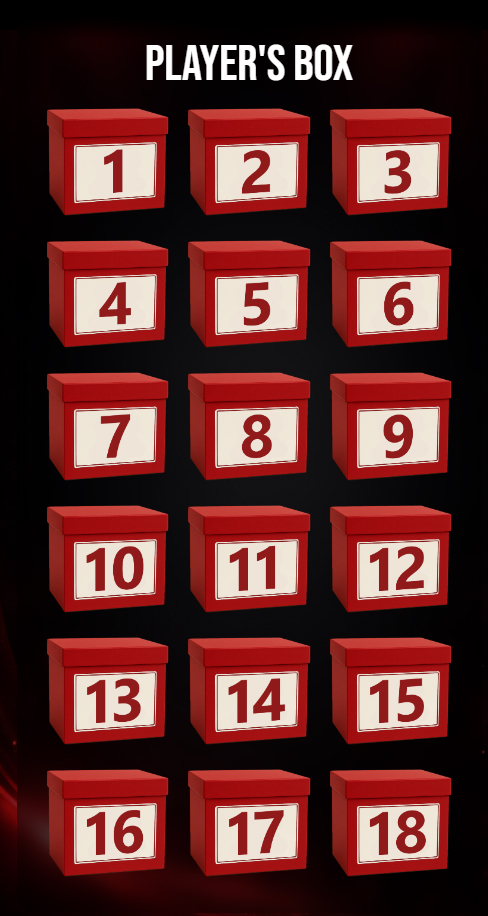
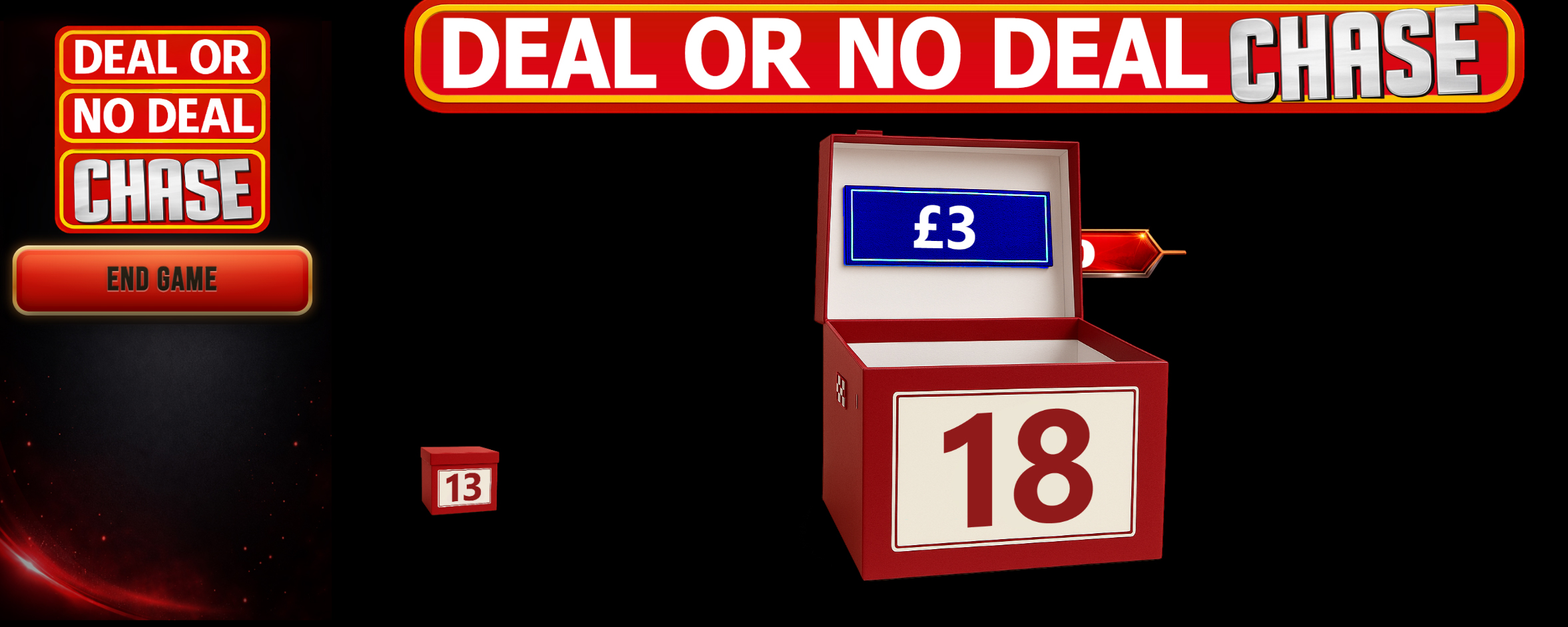
- Once you have the player ready select PLAYER'S BOX. The player picks a box that will stay with them until the end of the game - their prize if they go the whole way.
-
-
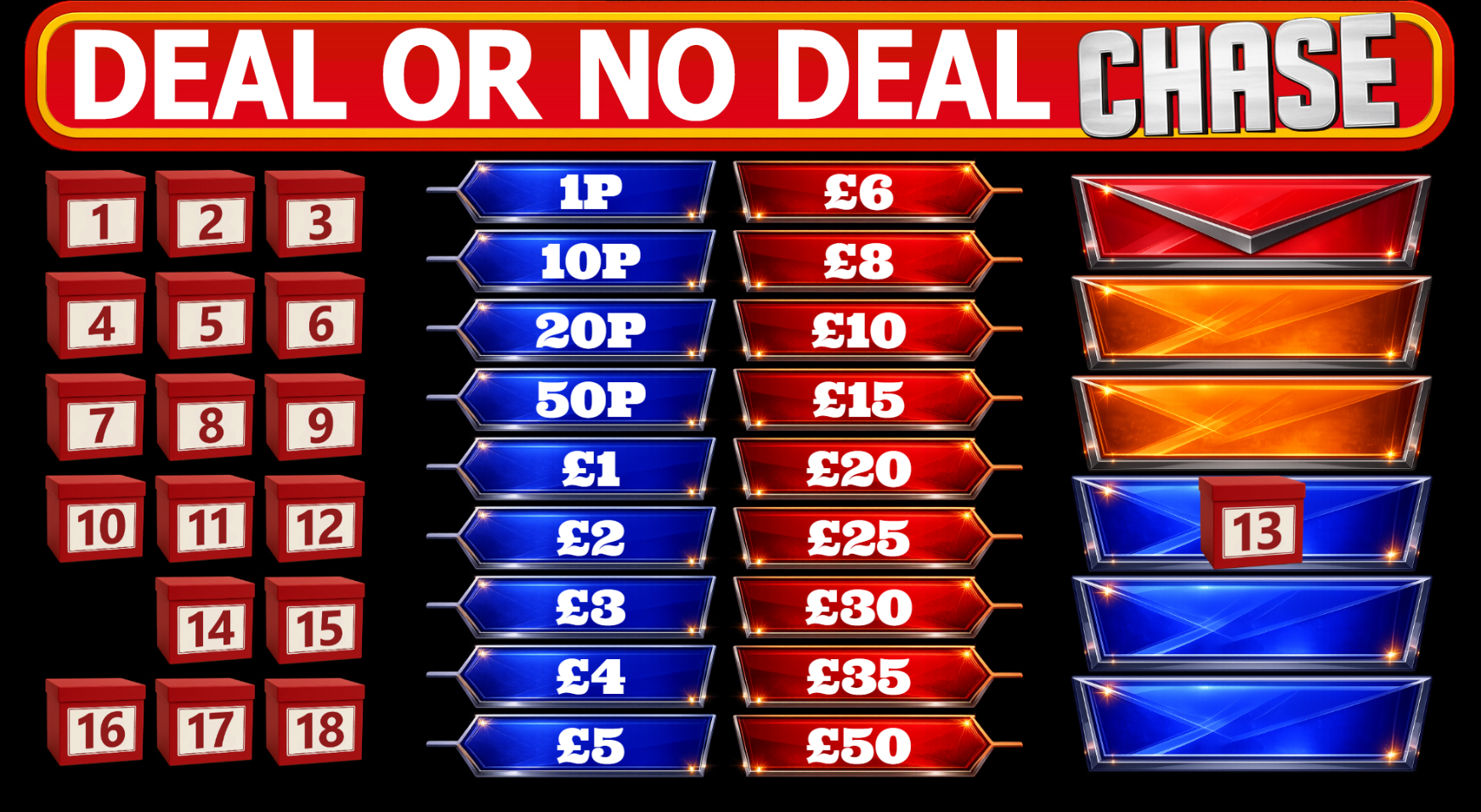
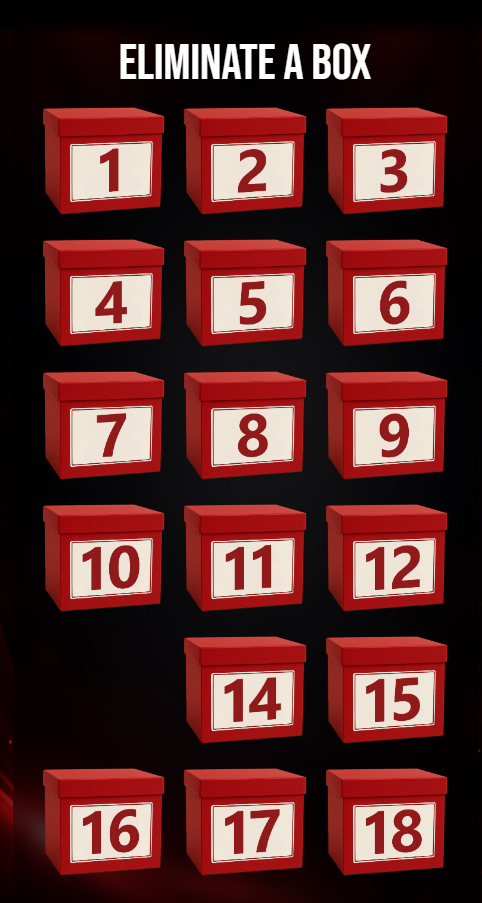
- The player now starts eliminating boxes.
- Once the player has decided their move select the button on the controller.
-
- Play continues until the Banker makes an offer or the Chaser 'catches' the Player.
- At random points in the game the Banker will call and make an offer for the player to end the game and take the money on offer.
-
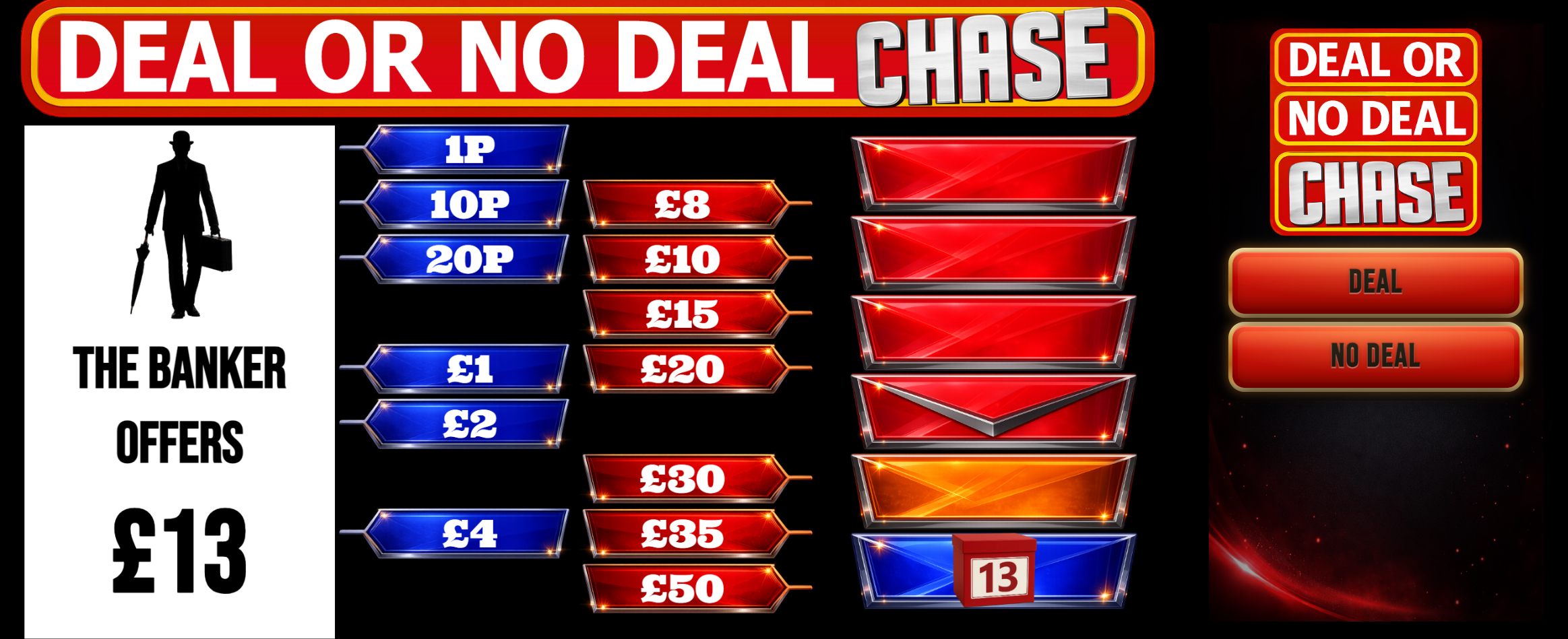
- If the deal is taken the game ends.
-
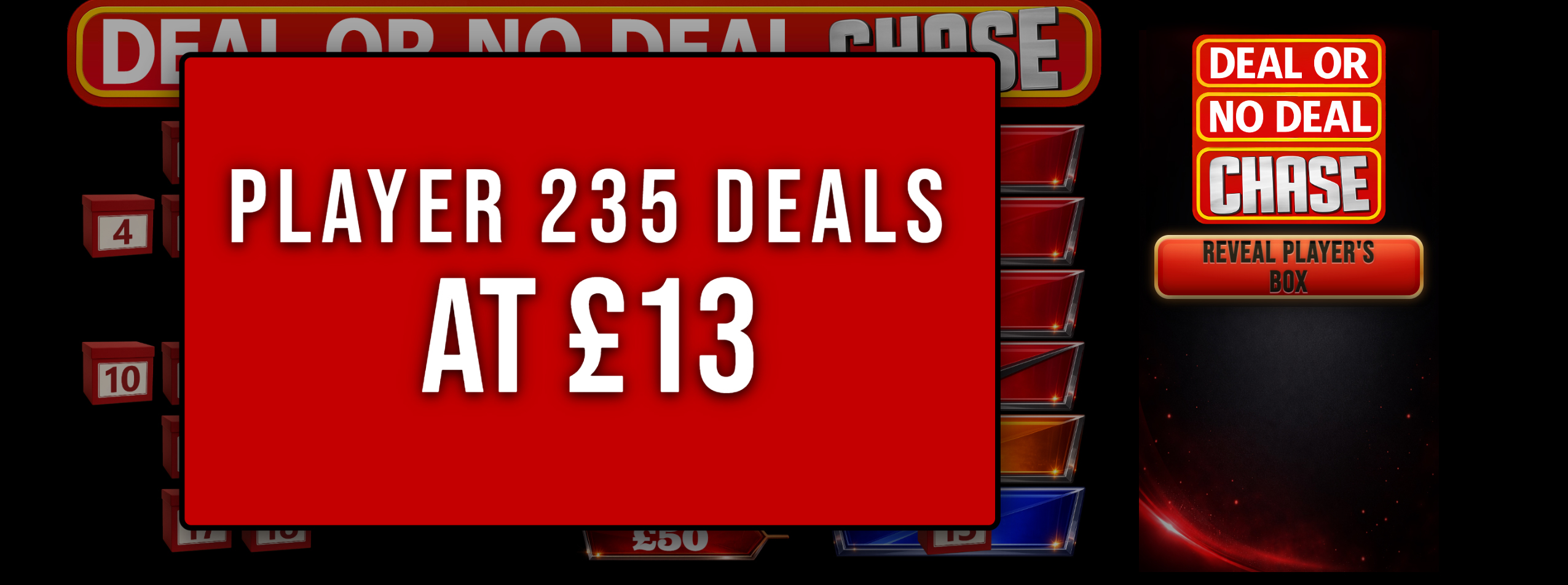
- Use the REVEAL button to show what was in the player's chosen box.
-
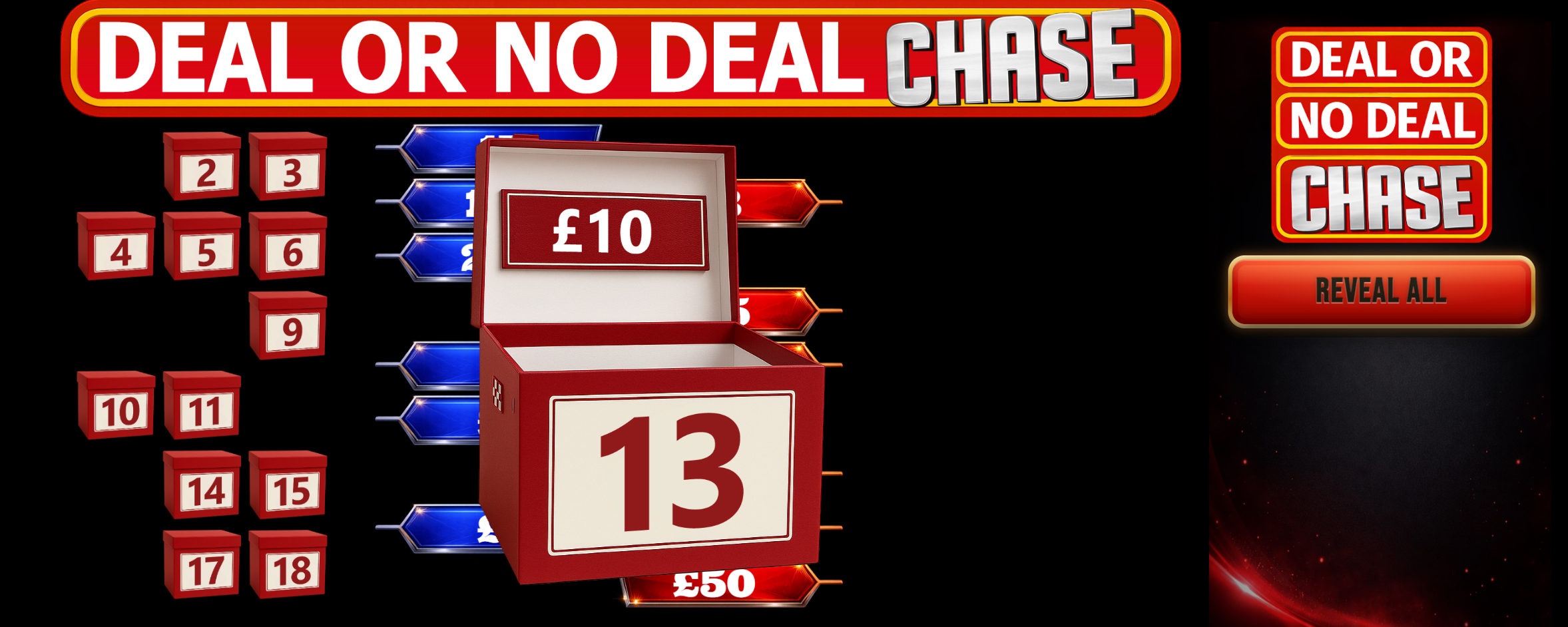
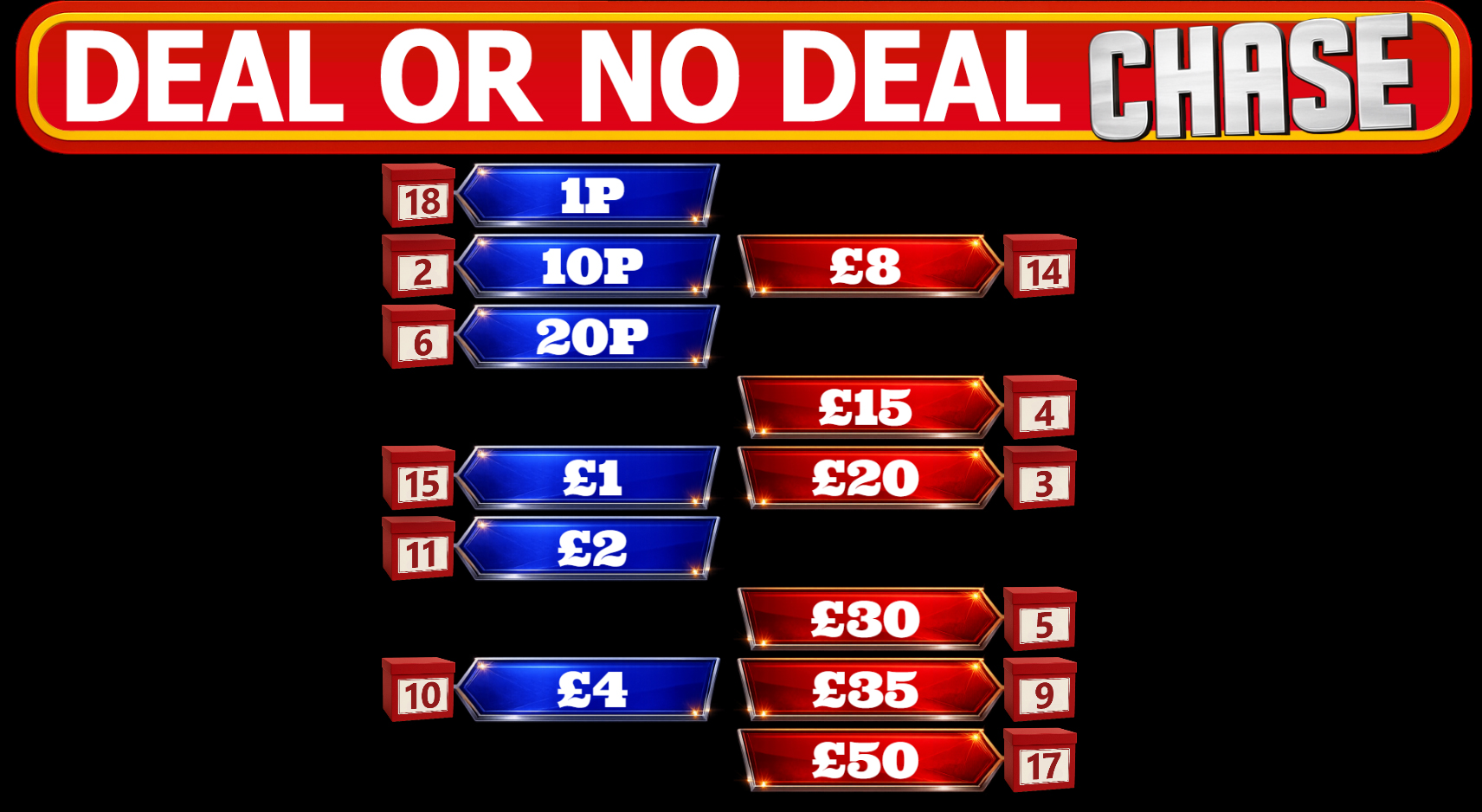
- Use the REVEAL ALL button to show where all the values where.
-
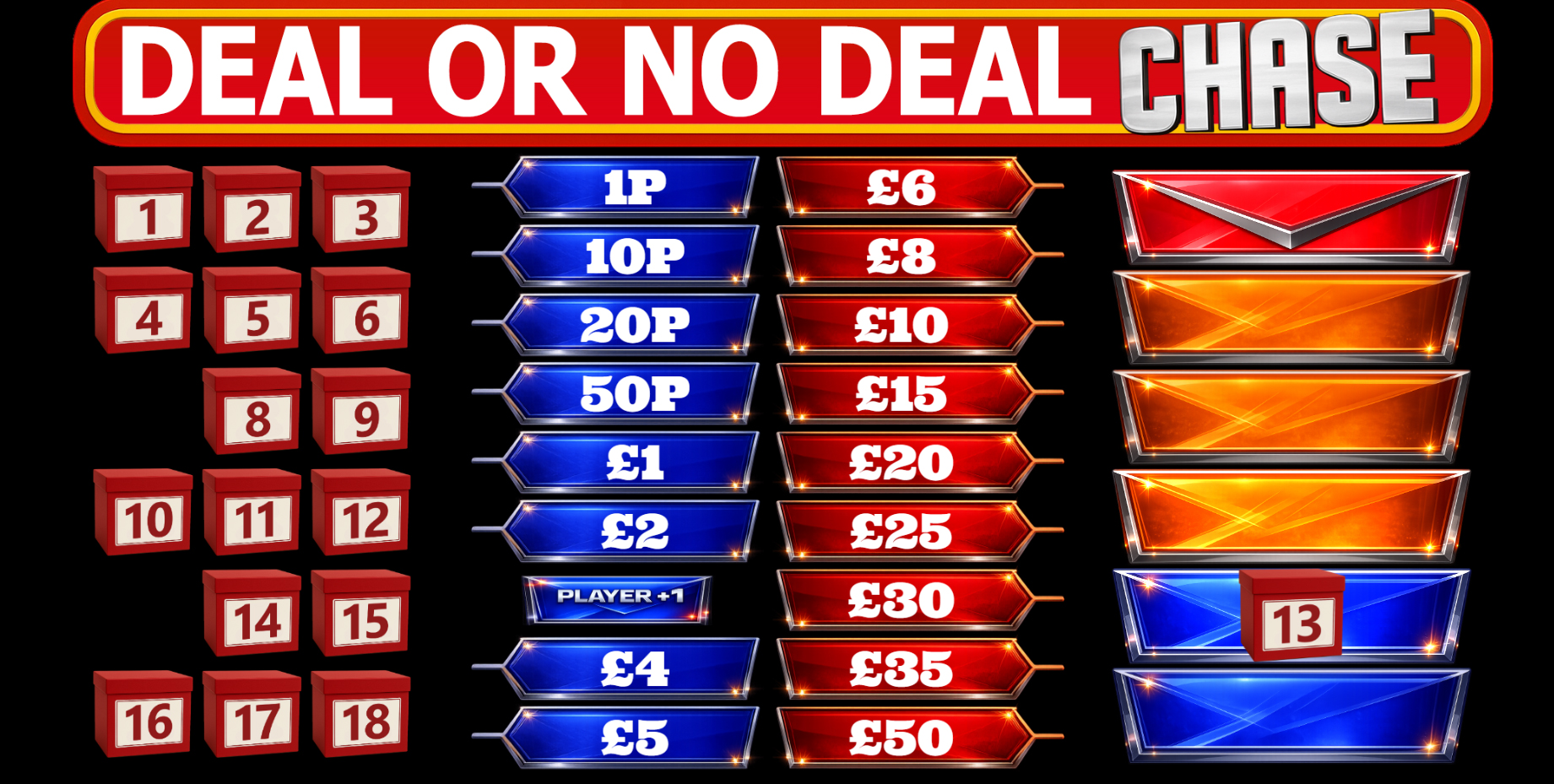
- After a box value is revealed, the matching value is removed from the board revealing a Chase token - either PLAYER +1 or CHASER +1
-
- If a player is caught by the Chaser, their turn is over. You can then choose the next player to play.
- The game board stays the same.
- The new player has the option to swap the Player's box.
-
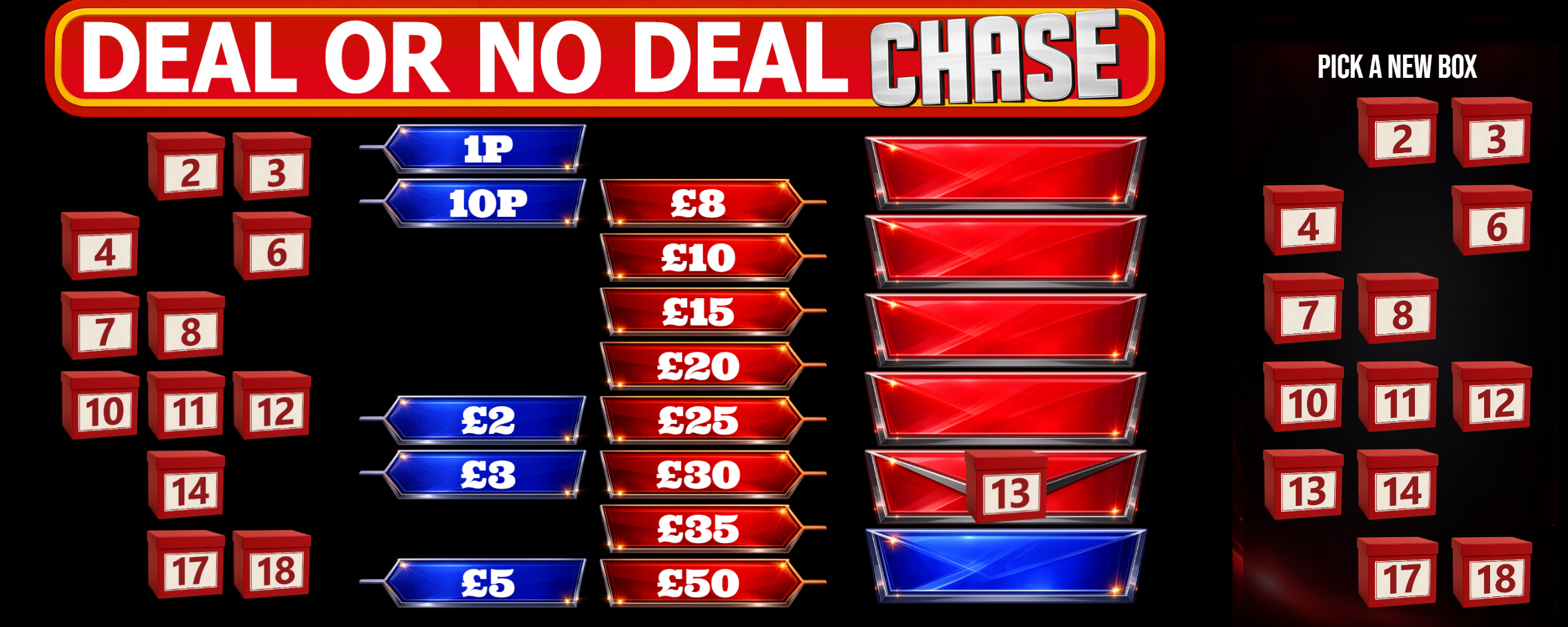
- The Chase section is reset.
- If a player goes to the end of the game, press END GAME to reveal the player's prize.
-
The rules
- The player is trying win as much money as possible without getting caught by the Chaser.
- The more red values on the board the bigger the Deal.
- The player eliminates boxes hoping they are blue values.
- A Chaser token is revealed with each open box - either a CHASER or PLAYER +1.
- If a player is caught by the Chaser their turn is over.
- The player can choose to take a deal whenever the banker offers one.
- If the player gets to the end two boxes a final Deal is offered before the Player's box and winnings are revealed.
Notes for the host
- Announce the maximum prize e.g. 'Win up to £100'. and 'Good luck!'
- Read out a quick summary of the game and rules.
- Repeat the players choice over your microphone so that everyone knows what has been chosen.
- The boxes and prizes are pre-selected at the start and do not change throughout the game.
- There are six random Banker deals through the game.
- The chances of a player winning the top prize is 18/1 or 5.5%. They would have to pick the winning box and stick with it to the end.
- You can choose the top prize, so to start you could offer £50 and if it isn't won raise it the next time you play. Keep any money not won in the 'kitty'.
- If the kitty gets too big offer a free game using the raffle tickets already bought.
- You can install the controller as an app on your Android phone. Apple users: support for installing web apps.
-