Fun group game
Camel Derby
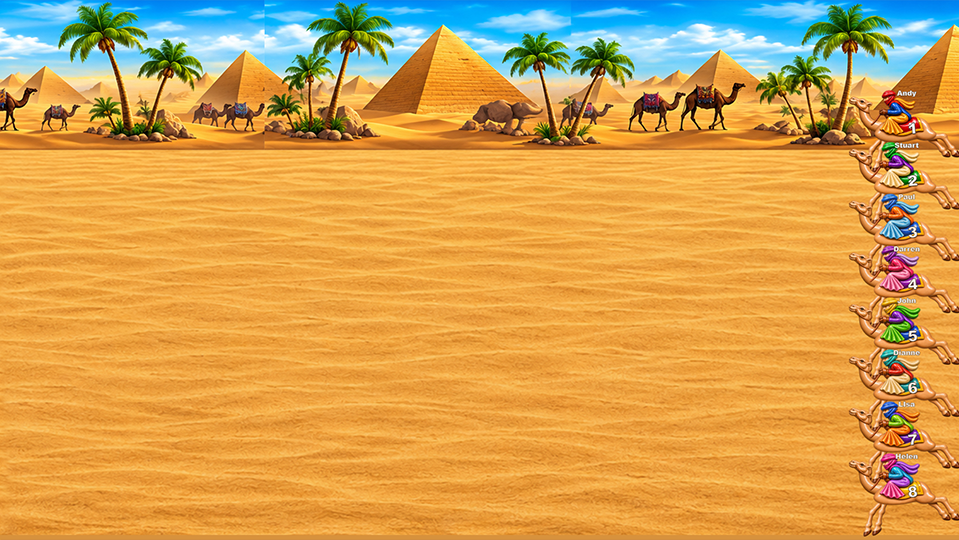
Based on the amusement park game. The host can control from a laptop or handheld device. The playing board can be displayed via a laptop or via web browser on your TV.
You need
- Big screen / projector
- Laptop OR a TV/Firestick with web browser
- Phone/tablet or a second browser window on your laptop
- Internet access
Quick start
- Open the Game Screen on the big screen
- Fullscreen the game (F11)
- Open a Controller on your laptop/phone
Tip: If you’re using one laptop + a connected TV, “Extend” your desktop so you can keep the controller on your laptop
while the game runs full-screen on the TV.
Setup
One laptop only
Laptop + handheld
TV + handheld
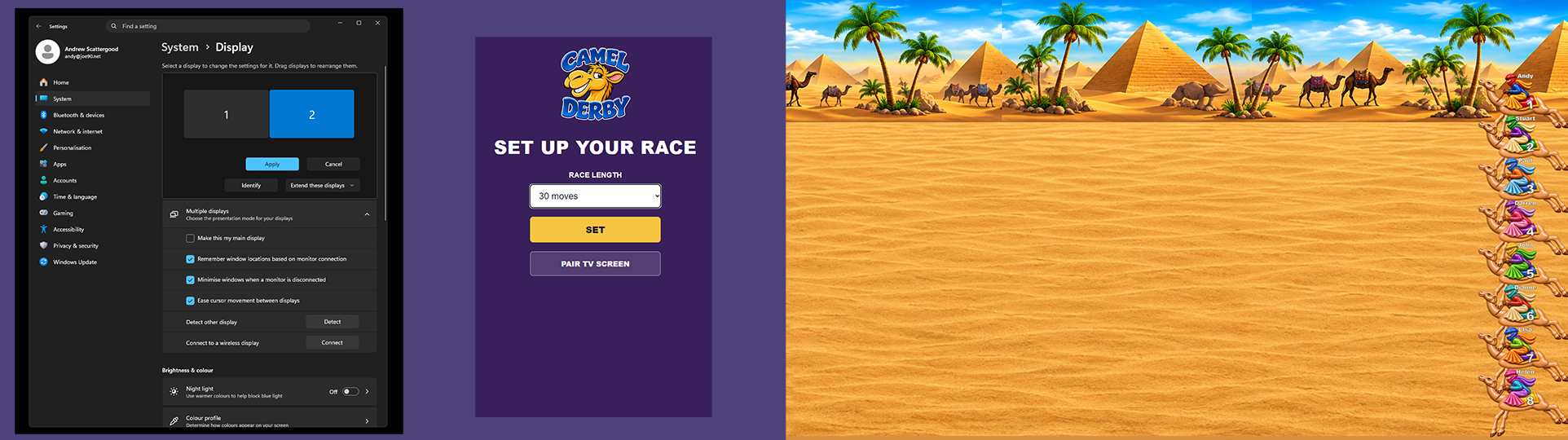
Setting up using one laptop only:
- Connect your big screen to your laptop via HDMI.
- Extend the desktop onto the second screen (so you can move windows between screens).
- Launch the Game Screen, move it to the big screen, press F11 to fullscreen.
- Open a new browser window, log in again, then launch the Laptop Controller and keep it on your laptop screen.
Windows help: Set up multiple displays
Setting up using a laptop and a handheld device:
- Connect your big screen to your laptop via HMDI.
- Launch the Game Screen and press F11 to fullscreen.
- On your phone/tablet, log in and launch the Handheld Controller.
- Bookmark the controller page for next time.
Setting up using a tv and a handheld device:
- Open a browser on your TV or FireStick.
- Go to camel.bsgtv.app
- On your phone/tablet, log in and launch the Handheld Controller.
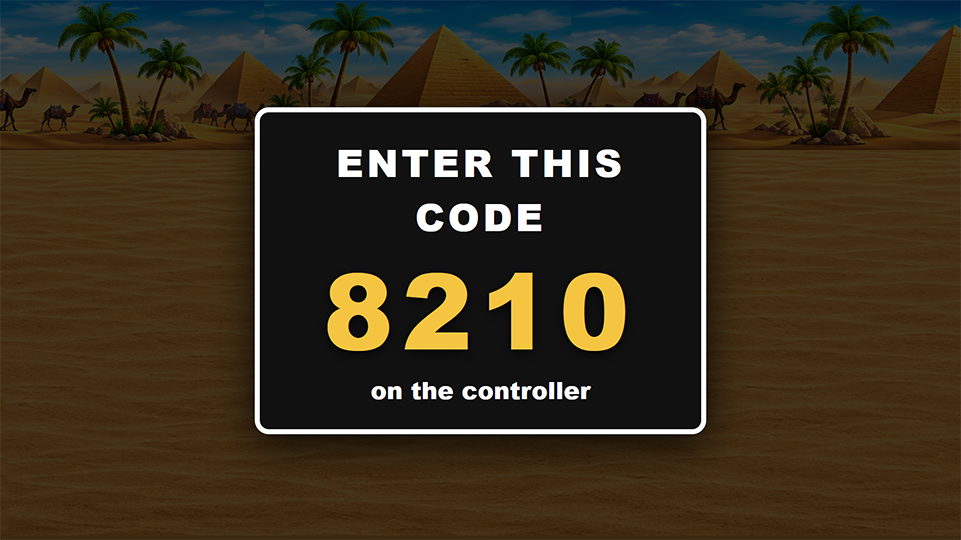
- If the pair code shows on the TV enter it in the controller to pair.
- Click on FULL SCREEN button.
- If cookies are set on your TV it will now remember.
How to play
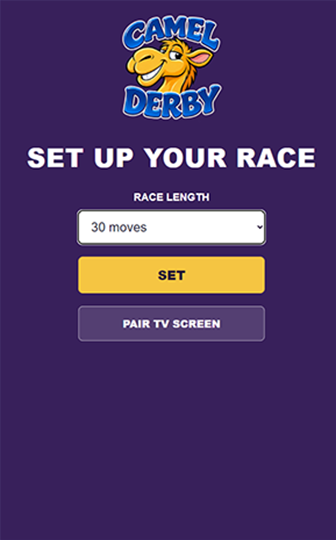
- On the controller, set the length of the race - 30 is a good starting point.
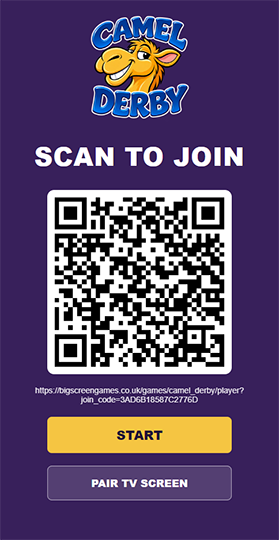
- Get players to scan the QR code either on the sreen or your controller. They can then input their name.
-

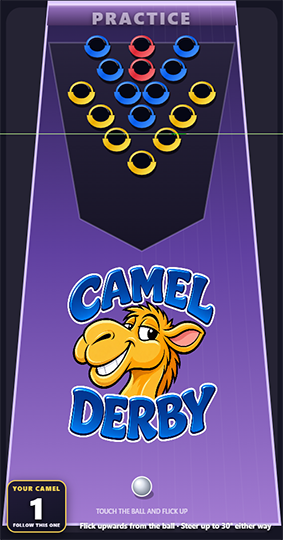
- Players can practice while they wait.
- Collect entrance money from all entrants.
- Tell the players to stop practicing, countdown and press the START button when you're ready.
-
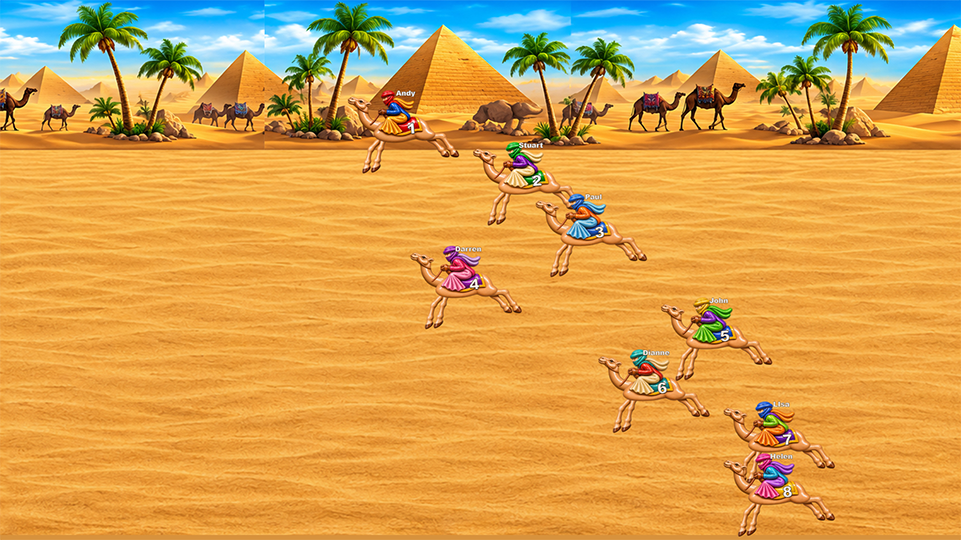
- PLayers roll their balls to score points and move their numbered camels along
-
- The winner is the first to the finish line.
-
- If you are playing on, RESET the game and start again!
Notes for the host
- Once you have the bar code on your controller, invite your guests to scan and join.
- Once everyone has paid, stop the practice and do a short countdown to start the game.
- Commentate through the game, who is in the lead, who's moving faster.
- Announce the winner