
Great to run alongside a quiz
Easter Egg Hunt
Sell tickets and launch the game.
You need
- Big screen / projector
- Laptop OR a TV/Firestick with web browser
- Phone/tablet or a second browser window on your laptop
- Internet access
- Printer
Quick start
- Open the Game Screen on the big screen
- Fullscreen the game (F11)
- Open a Controller on your laptop/phone
Tip: If you’re using one laptop + a connected TV, “Extend” your desktop so you can keep the controller on your laptop
while the game runs full-screen on the TV.
Setup
Setting up
- Download the PDF file
- Print and trim the amount of tickets you need - 4 per A4 sheet.
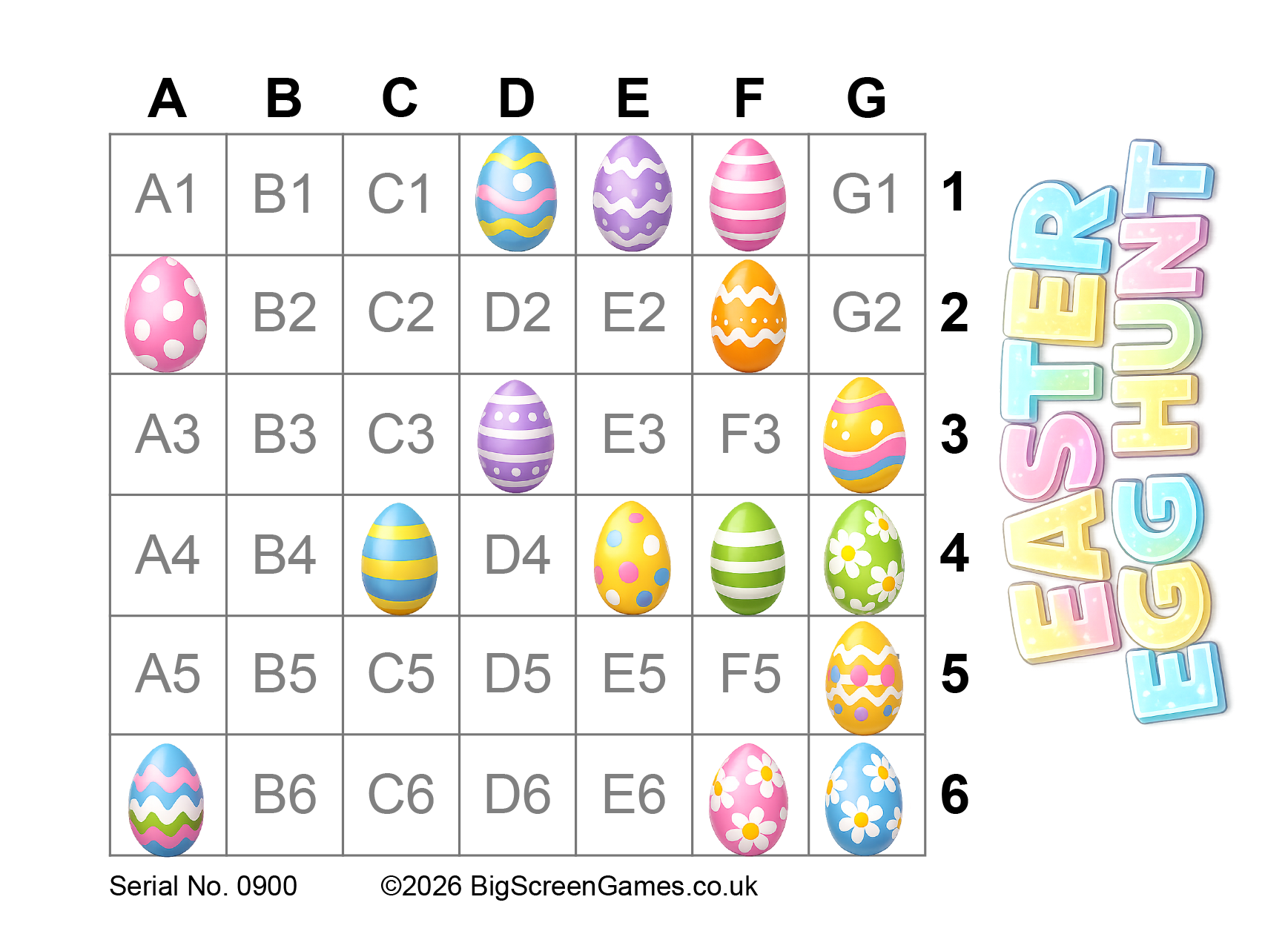
- Sell tickets at £1 each (or any value) - pub bingo law states that 100% of the stake must be paid out
- Each player needs a bingo dabber or pen
One laptop only
Laptop + handheld
TV + handheld
Setting up using one laptop only:
- Connect your big screen to your laptop via HDMI.
- Extend the desktop onto the second screen (so you can move windows between screens).
- Launch the Game Screen, move it to the big screen, press F11 to fullscreen.
- Open a new browser window, log in again, then launch the Laptop Controller and keep it on your laptop screen.
Windows help: Set up multiple displays
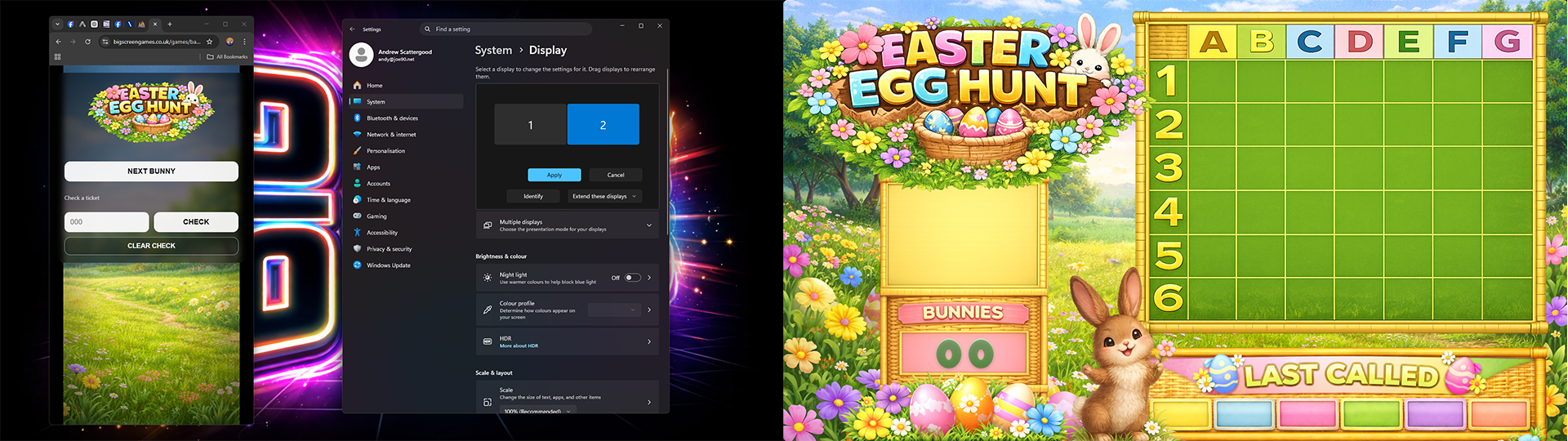
Setting up using a laptop and a handheld device:
- Connect your big screen to your laptop via HMDI.
- Launch the Game Screen and press F11 to fullscreen.
- On your phone/tablet, log in and launch the Handheld Controller.
- Bookmark the controller page for next time.
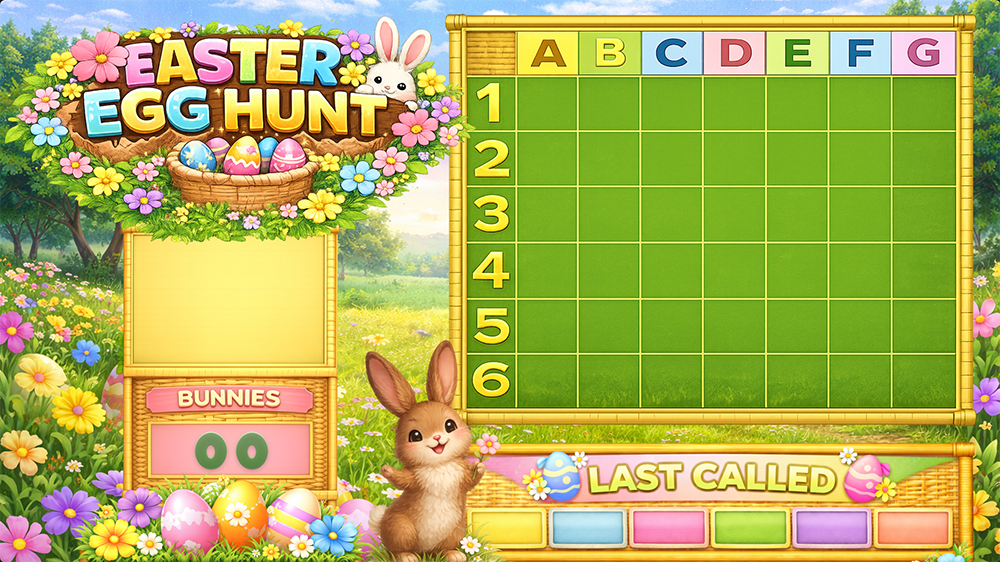
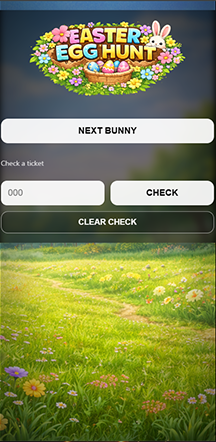
Setting up using a tv and a handheld device:
- Open a browser on your TV or FireStick.
- Go to egg.bsgtv.app
- On your phone/tablet, log in and launch the Handheld Controller.
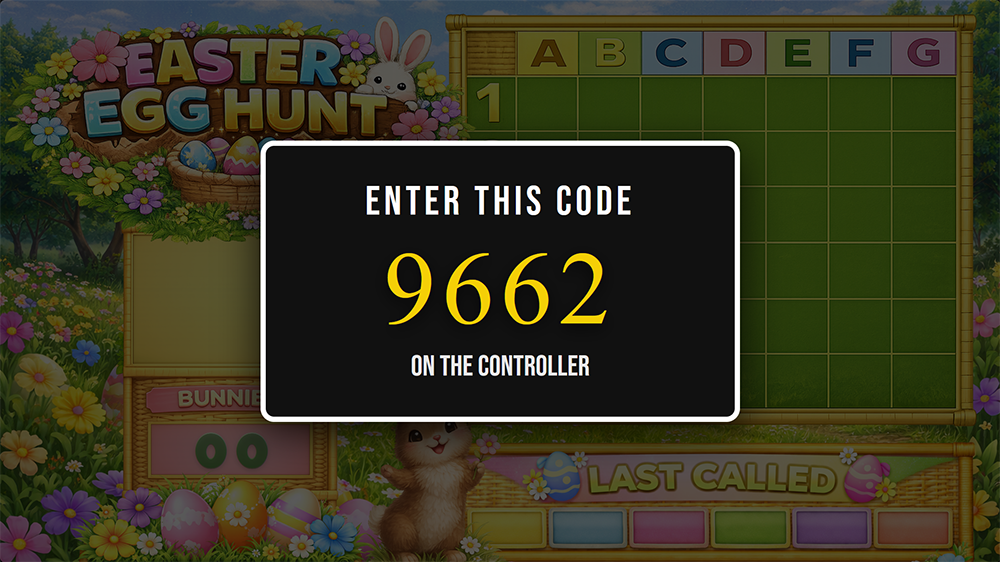
- If the pair code shows on the TV enter it in the controller to pair.
- Click on FULL SCREEN button.
- If cookies are set on your TV it will now remember.
How to play
- On the controller press START THE GAME.
- Click on NEXT BUNNY.
- To win the game a player must hit ALL eggs on their ticket.
- When you have a call, stop the game and in the controller enter the players ticket number. You can then check for a complete card.
Notes for the host
- You can install the controller as an app on your Android phone. Apple users: support for installing web apps.
- Call 3 or 4 references / bunnies between quiz questions to lengthen the game.